Stop Tuning Clusters: Databricks New Features
I spent the first half of my data engineering career babysitting Spark clusters. If I wasn't arguing with AWS about EC2 spot instance limits, I was writing convoluted cron jobs to run OPTIMIZE ZORDER BY at 3 AM so the finance team’s dashboards wouldn't time out the next morning. We used to wear cluster tuning as a badge of honor. "Oh, you figured out the perfect memory-to-core ratio for your worker nodes?" Congratulations, you're a hero. But here is the hard truth for modern data teams: If you are still manually configuring Spark clusters in 2026, you are burning your company’s money and your own time. Databricks has aggressively shifted from a "build-it-yourself Spark environment" to an automated, serverless AI data platform. Let's look at the "Then vs. Now" of Databricks' latest features, what they actually do under the hood, and how to weaponize them to make your pipelines run faster while you do significantly less work. We are covering Liquid Clustering, Serverless Compute, and AI-Powered Unity Catalog.

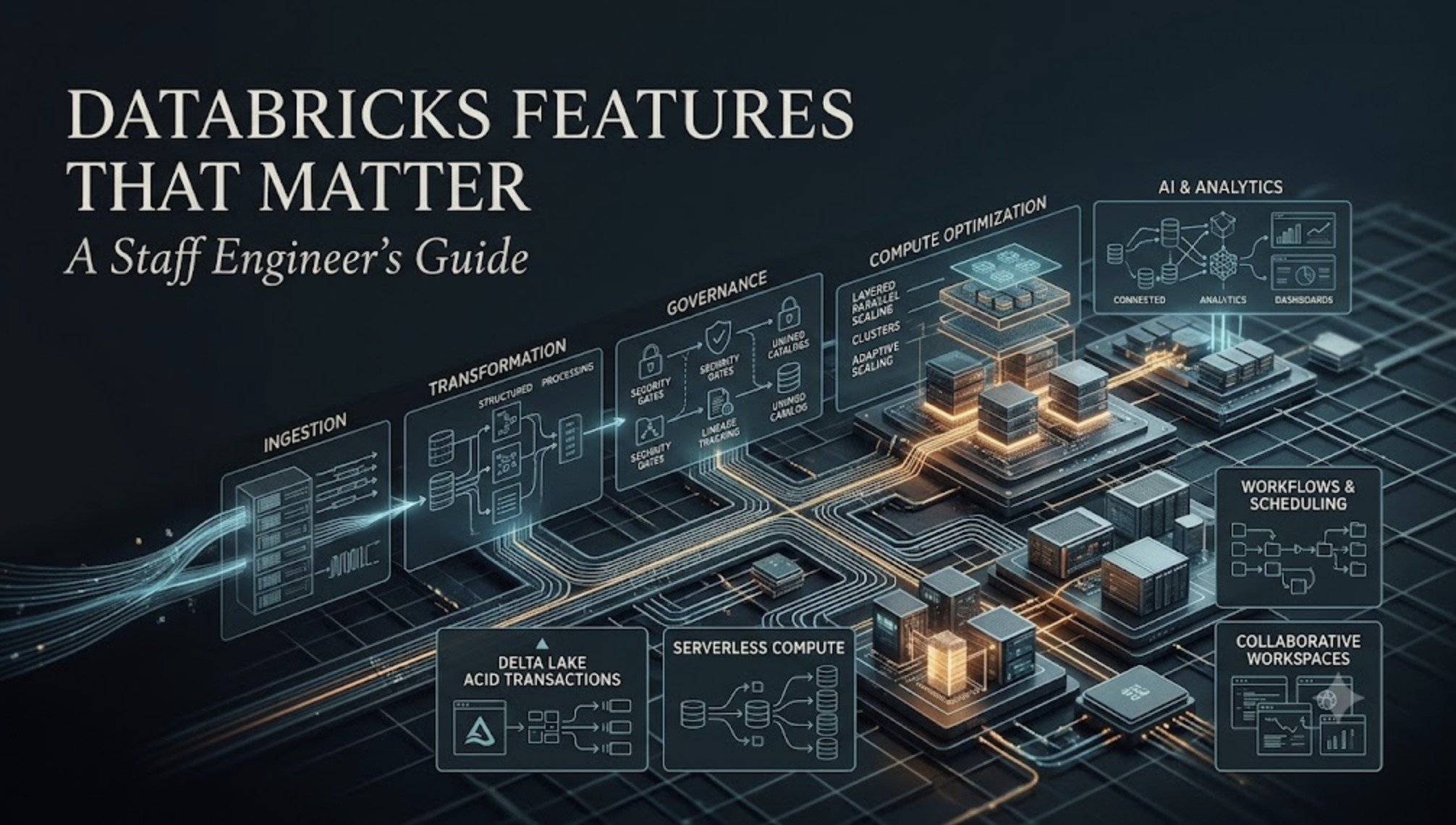
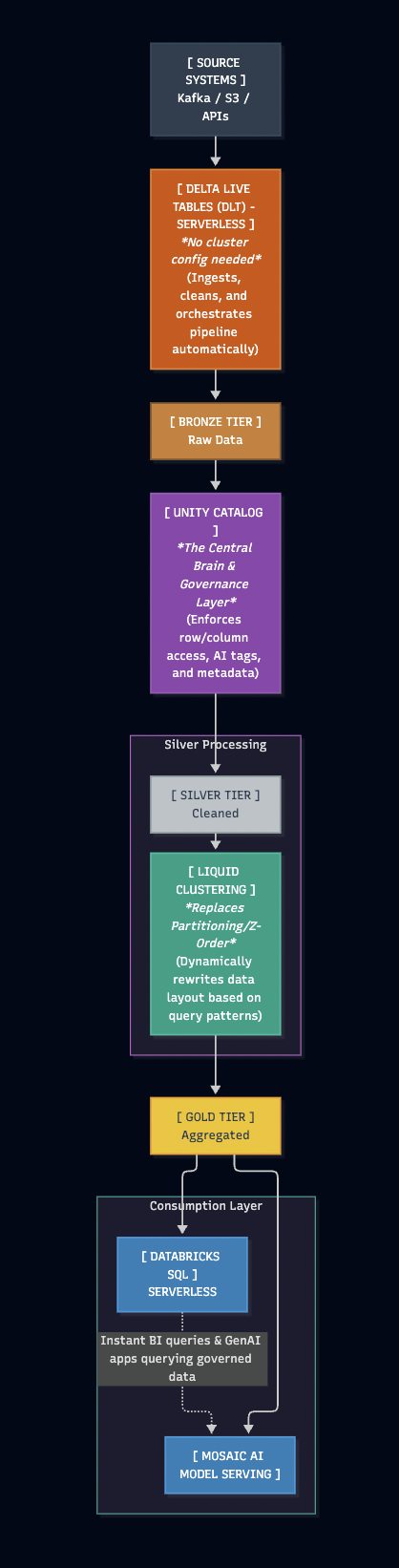
The Architecture: Modern Databricks Data Flow
Before diving into the features, here is how a modern, zero-tuning Databricks architecture actually flows. Notice what is missing: there are no explicit worker node configurations or manual partition schemes here.
1. Liquid Clustering (The End of Partitioning Nightmares)
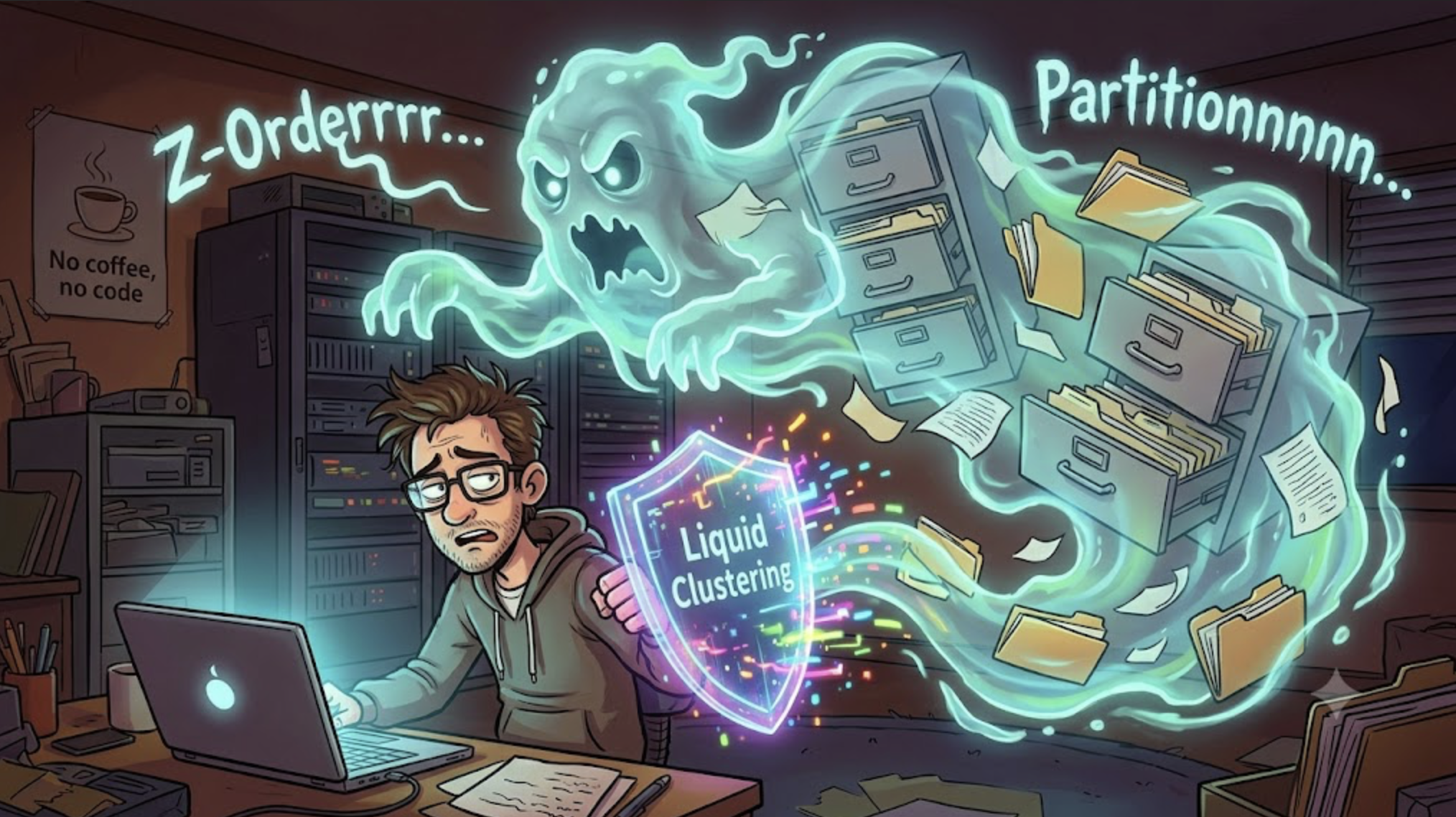
What is it? An intelligent data layout algorithm that replaces Hive-style partitioning and Z-ordering. It dynamically adjusts how data is clustered on disk based on how your users are actually querying it.
Then: We had to guess the perfect partition key. If we partitioned by Date, queries filtering by CustomerID required a full table scan. If we tried to fix it with ZORDER, we had to rewrite massive chunks of data every weekend. As data grew, our static partitions became skewed
Data Skew: The final boss of Big Data.
Now: You define clustering columns once. As new data arrives or query patterns shift, Liquid Clustering incrementally restructures the Parquet files in the background. It prevents over-partitioning and completely eliminates data skew.
When to use it: Use Liquid Clustering on any Delta table larger than 1TB, or any table where analysts frequently filter by high-cardinality columns (like user_id or device_id). Code: CREATE TABLE events (...) CLUSTER BY (user_id, event_date);
2. Serverless Compute for Workflows & DLT
What is it? Instant, fully managed compute where Databricks handles the infrastructure provisioning, scaling, and termination in the background. You pay for the exact seconds your query runs, not the time it takes an EC2 instance to warm up.
Then: You created a Job Cluster. You waited 4 minutes for the cloud provider to provision the VMs. The job ran for 30 seconds. You waited 10 minutes for the auto-suspend to kick in. You paid for 14 minutes of compute for 30 seconds of actual work.

Now: You select "Serverless" in your workflow. The job starts in milliseconds. It scales infinitely based on the query plan, finishes the job, and shuts down instantly.
When to use it: Use Serverless for Delta Live Tables (DLT) pipelines, ad-hoc Databricks SQL queries, and orchestration workflows. Stop using it only if you have ultra-specific, bizarre library dependencies that require custom Docker containers on the worker nodes.
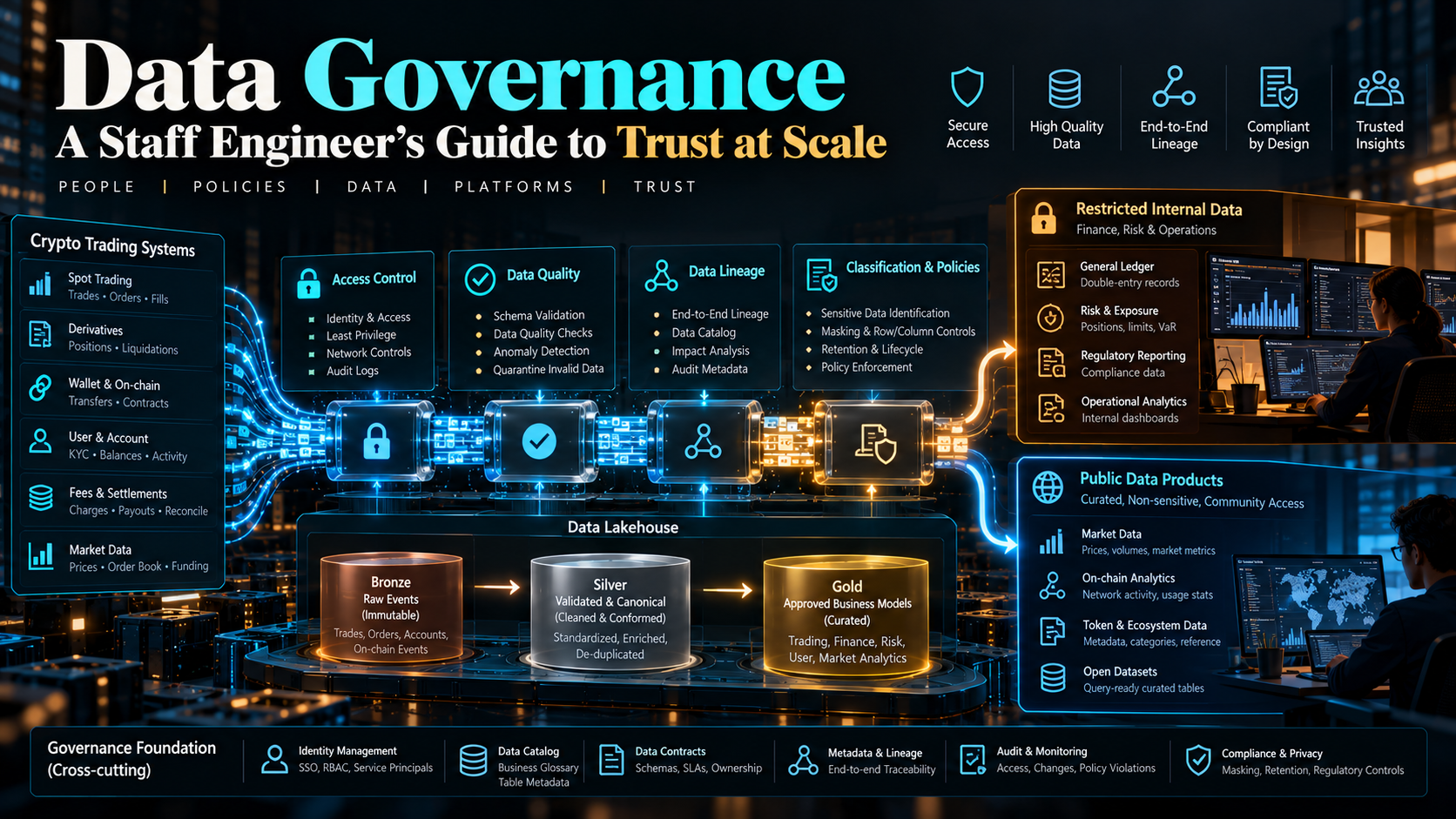
3. Unity Catalog & AI Functions (MosaicML Integration)
What is it? The unified governance layer across your entire data estate, now heavily injected with GenAI capabilities (thanks to Databricks acquiring MosaicML). It doesn't just manage permissions; it brings LLMs directly to your SQL warehouse.
Then: Governance was a nightmare. We had separate IAM roles, AWS bucket policies, and table ACLs. If you wanted to run sentiment analysis on customer reviews, you had to pull the data out of Spark, feed it to an external API (like OpenAI), and write it back.
Now: Unity Catalog controls everything from one UI. Better yet, you can call LLMs directly inside your SQL queries using AI_GENERATE_TEXT() or native AI functions. The models are hosted securely within your Databricks perimeter, so your proprietary data never leaks to a public API.
When to use it: Use Unity Catalog for absolutely everything (legacy Hive Metastore is dead). Use the AI functions when you need to extract entities, translate text, or classify unstructured data (like support tickets) directly inside your ETL pipeline without building a complex ML infrastructure.
The best data engineers are inherently lazy. We don't want to tune knobs; we want to build systems that tune themselves. Databricks has finally given us the tools to stop acting like mechanics and start acting like architects. Turn on Serverless, cluster by Liquid, and let the engine do the heavy lifting. Your Friday nights belong to you again.
#DataEngineering #Databricks #BigData #SystemDesign #StaffEngineer #ApacheSpark

About the author
- I am a Lead Data Infrastructure Architect with 13+ years of experience engineering high-throughput data platforms for fintech and consumer apps. I specialize in the Databricks Lakehouse ecosystem, PySpark, BigQuery, and Snowflake. I write about modern data architecture, cloud cost optimization (FinOps), declarative ELT pipelines, and scaling systems to process 100K+ events per second. When I'm not untangling complex legacy databases, I'm building zero-loss data quality frameworks.
Comments
Join the discussionNo comments yet. Be the first to comment.